Solutions
Cloud9 for hosting providers
Give every hosting account DNS, SSL, CDN and protection inside the panel they already use.
What changes for you
Customers want CDN and protection without leaving cPanel.
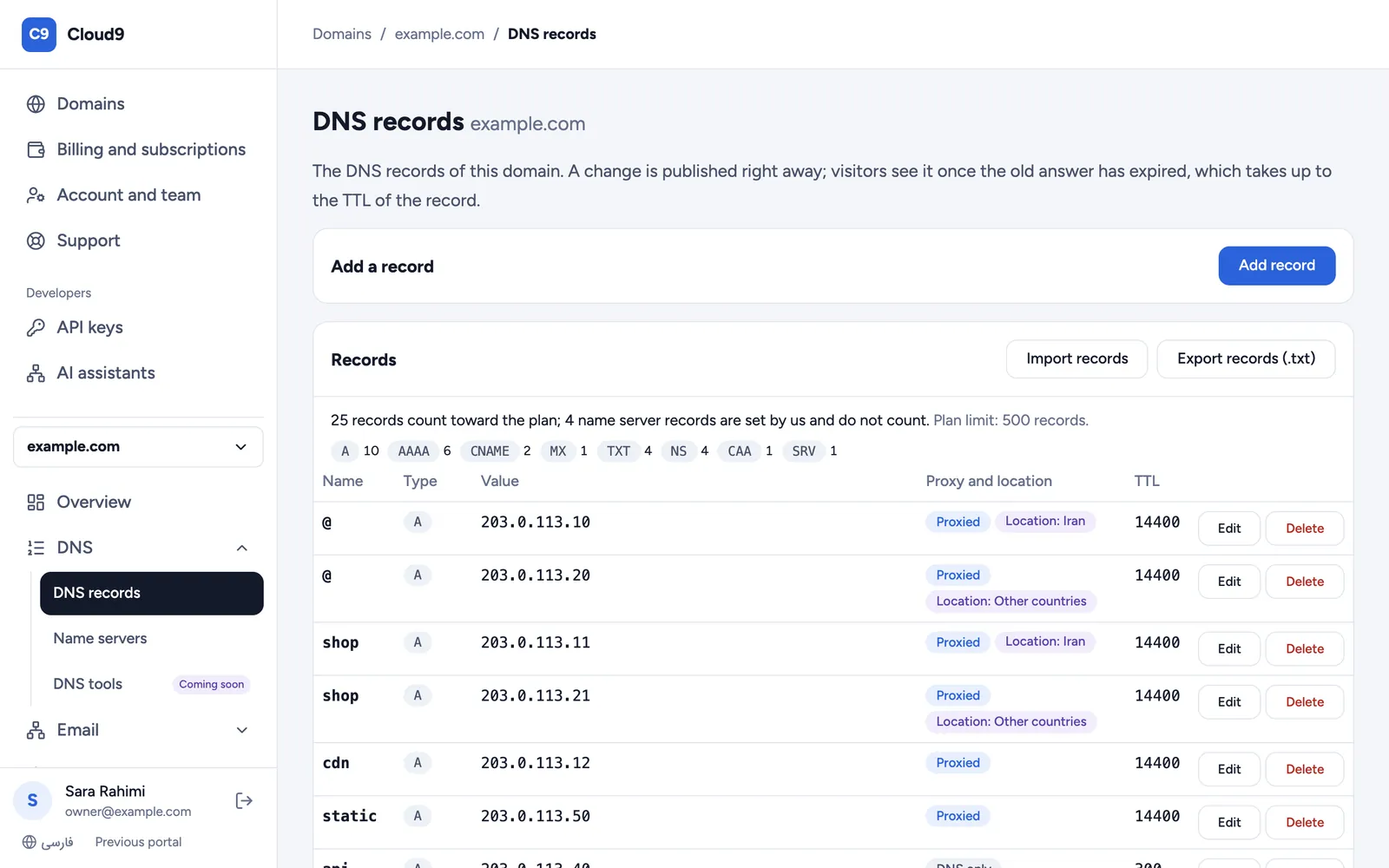
DNS Management inside cPanel and DirectAdmin has the records and every service per domain, in Persian and English.Guide
Selling and provisioning takes manual work.
The WHMCS module orders, verifies domains, sets plans and signs customers in with one click.Guide
You want your own brand on the nameservers.
Own nameservers show ns1.yourdomain and the like, with the glue addresses to register.Guide
Servers must trust the nodes.
One script allows the node addresses in CSF, Imunify360, firewalld or ufw and sets the real visitor address in the web server.Guide
Set it up
- 1
Connect your servers; their domains appear in Cloud9 by themselves.
- 2
In WHM, give each account a plan under "Accounts and plans".
- 3
Run the trust script on each server.
- 4
Install the WHMCS module to sell plans and sign customers in.
The plan we suggest
Hosting plans are set per account; talk to sales for a contract that covers all your servers.
Enterprise
Questions
Do my customers need a Cloud9 account?
No. They work inside cPanel or DirectAdmin; WHMCS signs them in to the portal when they want more.
Can different accounts have different limits?
Yes: every account gets its own plan with its own record, proxy and service limits.
What happens to a domain that moves away?
Its zone leaves with it; the change history keeps what happened for 90 days.