Solutions
Cloud9 for WordPress
Faster pages for visitors, a quiet wp-login.php and a server that stops struggling at busy hours.
What changes for you
The site slows down when traffic rises.
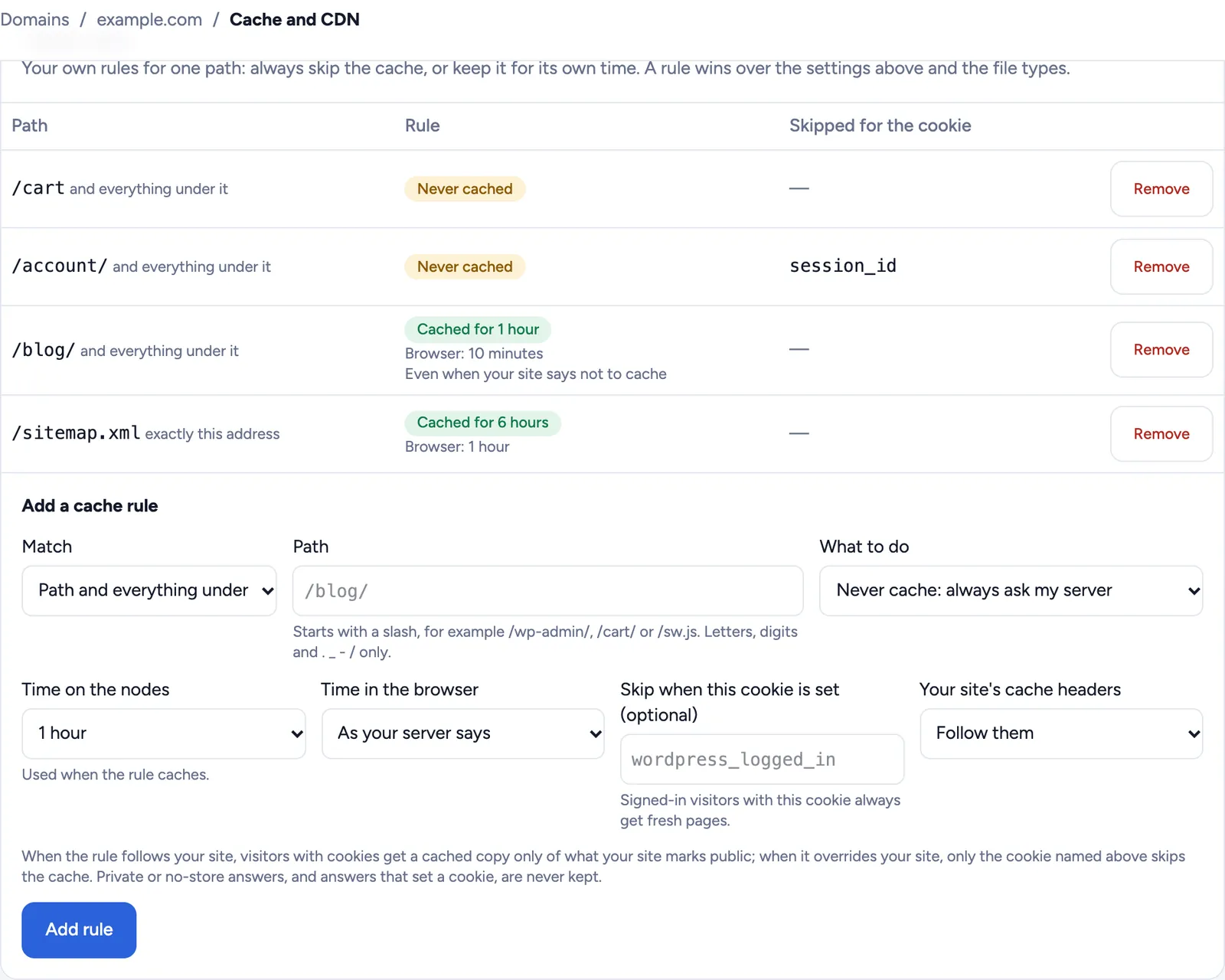
Cache static files, and pages too for visitors who are not signed in; a cache rule skips the cache whenever the wordpress_logged_in cookie is set.Guide
Bots hammer wp-login.php and xmlrpc.php.
A limit per path (for example 5 requests a minute on /wp-login.php) and the web firewall stop guessing and injection before PHP runs.Guide
Security plugins see only the node addresses.
The trust script makes Apache, LiteSpeed or nginx log the real visitor address, so your plugins keep working.Guide
A plugin update takes the site down for a minute.
Always online keeps showing the last copy of each page to visitors while your server does not answer.Guide
Set it up
- 1
Add the domain and change the nameservers; your records come with it.
- 2
Turn the proxy on for @ and www, then run the trust script on your server.
- 3
Set the cache to "everything" and add a cache rule that skips the cache with the wordpress_logged_in cookie.
- 4
Add a limit of 5 a minute on /wp-login.php and turn the firewall on in "record only", then "block".
The plan we suggest
Growth covers page caching, request limits and bot blocking; Professional adds the web firewall in blocking mode.
Growth
Questions
Do I need a WordPress plugin?
No. Everything runs on the nodes; you only point the domain to Cloud9 and set the rules in the portal.
Will signed-in users see cached pages?
Not with a cache rule on the wordpress_logged_in cookie: anyone signed in always reaches your server.
How do I clear the cache after editing a post?
From the portal, or from a script with an API key that may only purge the cache; a path ending in * clears a whole section.