Email on your domain
Forwarding, an inbox in the portal, sending with SMTP and email security checks, without a mail server.
What it does
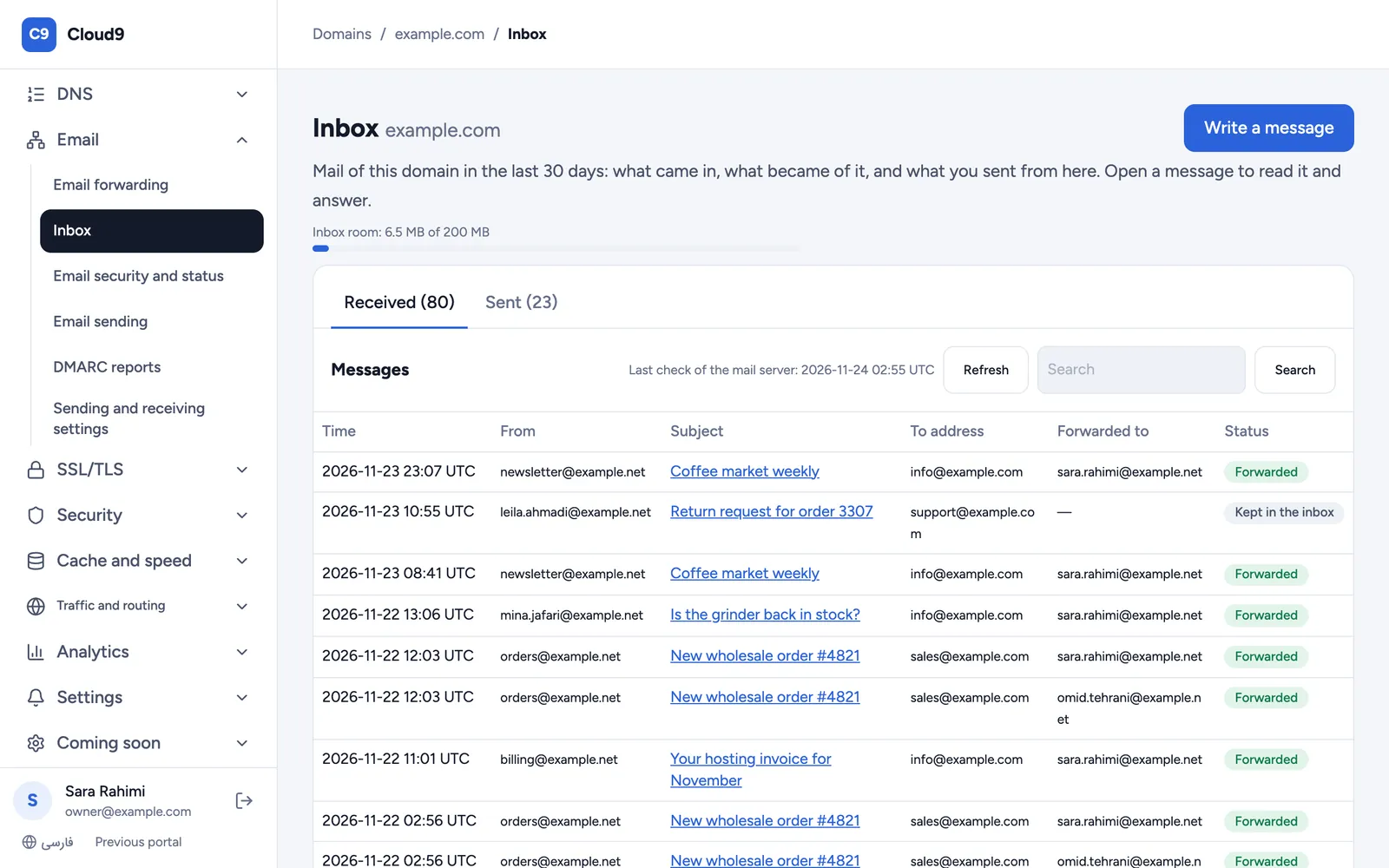
Addresses on your domain, such as info@ or sales@, forward mail unchanged to mailboxes you already use, or keep it in an inbox in the portal where you read and answer it. An SMTP user lets your site and your mail program send as your domain, with DKIM set for you.
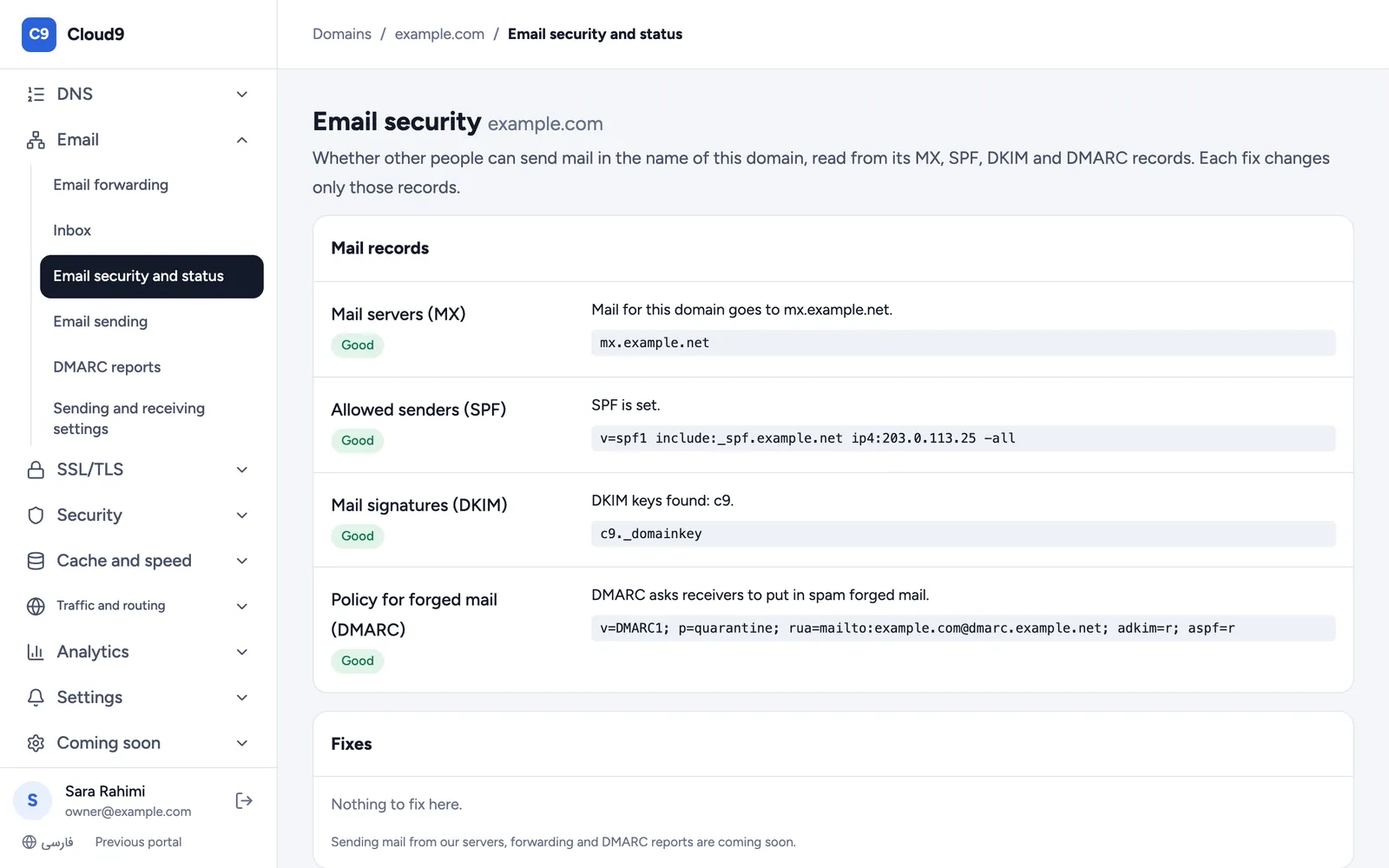
The email security page checks MX, SPF, DKIM and DMARC and fixes them with one click; DMARC reports from receiving servers are collected and summarised.
When it helps
- You want info@yourdomain without paying for a mail service.
- Your site sends mail (orders, sign-ups) and it lands in spam.
- You want to know who sends mail in your domain's name.
What it needs
- The domain on Cloud9 nameservers, so the MX, SPF and DKIM records can be set for you.
- Destination mailboxes confirm once by a link before mail is forwarded to them.
Limits
- Forwarding addresses, destinations, inbox room and messages a day depend on the plan.
- The inbox keeps the 200 newest messages for 30 days.
- Sending is limited to 100 messages an hour per domain.
API
Change this service from code or an automation, with a key that has only this permission.