Staying online
Always online, backup servers, health checks and alerts keep the site up when your server is not.
What it does
When your server stops answering, the nodes show visitors the last copy of each page instead of an error page (always online), or send them to a backup server you named for that name. Every node checks a health path on your servers each minute and stops sending visitors to one that fails twice.
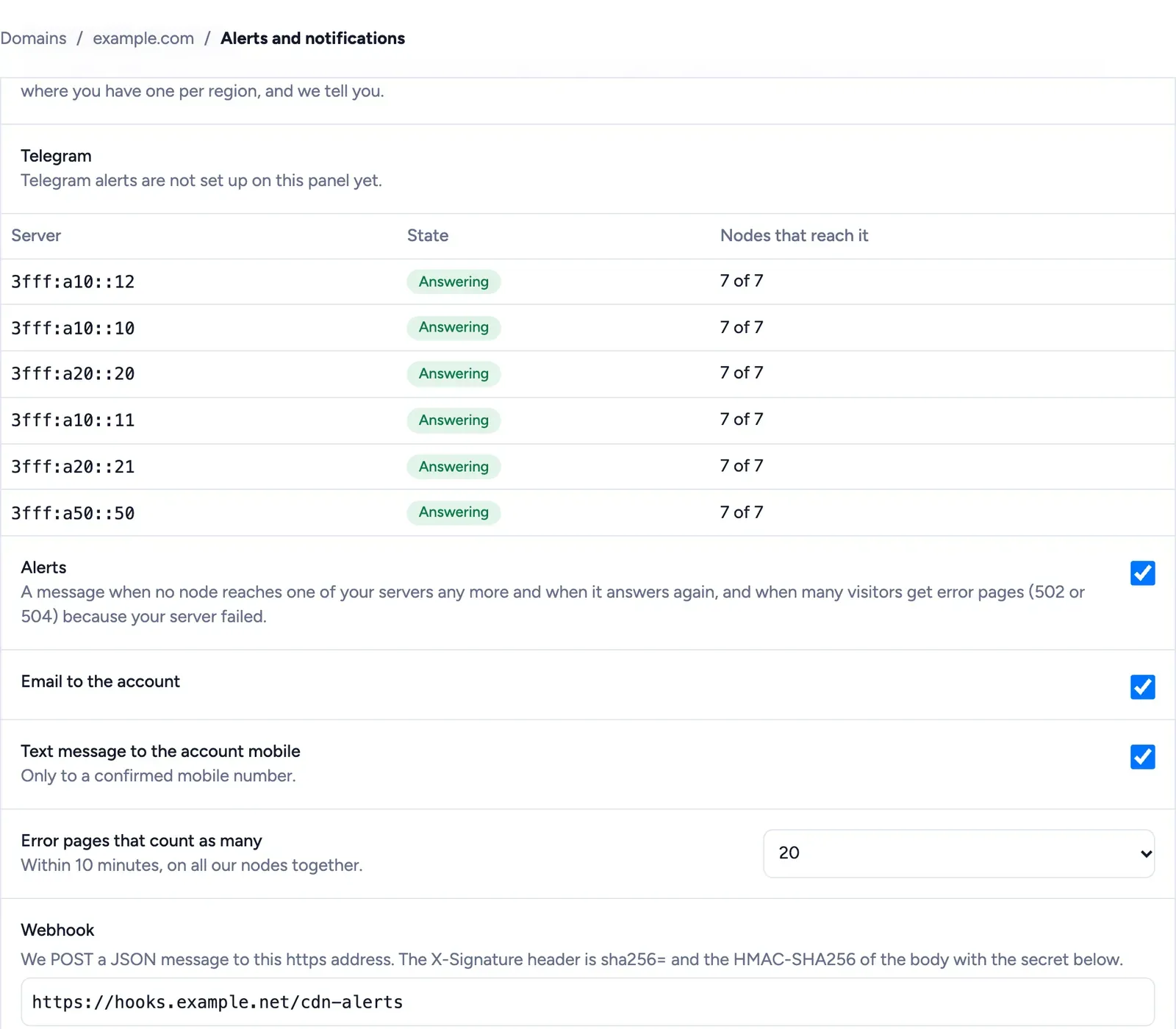
When a server goes down or many 502/504 errors happen, you get an alert by email, SMS, Telegram or a signed webhook.
When it helps
- A short outage of your server should not show visitors an error.
- You keep a second copy of the site on another server.
- You want to hear about an outage before your customers tell you.
What it needs
- The proxy on for the names you want to protect.
- For always online: the CDN cache on; pages shown are those visitors without a sign-in saw.
- For a backup server: a public address that serves the same site.
Limits
- Signed-in visitors, forms and pages the nodes never saw always need your server.
- A backup server is used only while the name's own servers fail.
- The health check is a GET to one path; it should answer quickly with 200.
By plan
| Feature | Free | Growth | Professional | Enterprise | Custom |
|---|---|---|---|---|---|
| Static file cache | Yes | Yes | Yes | Yes | Yes |
API
Change this service from code or an automation, with a key that has only this permission.